
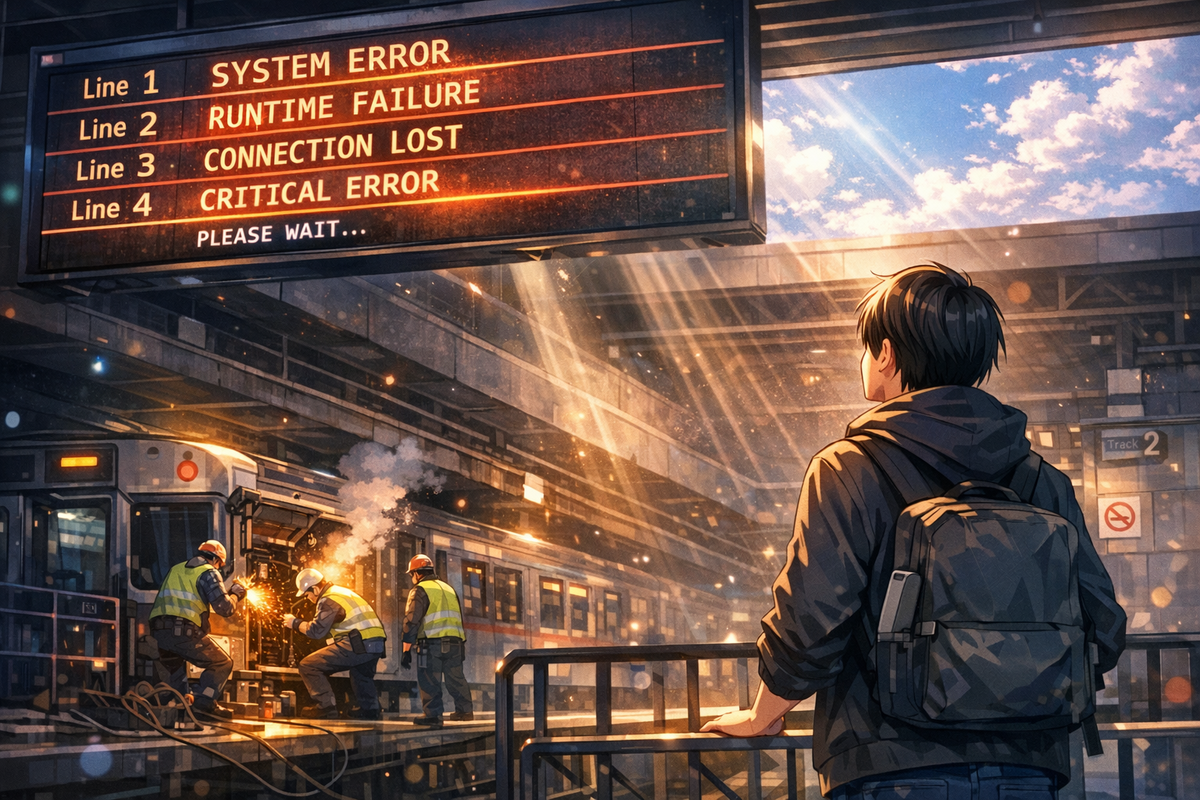
一個自動發布貼文的 workflow 掛了。錯誤訊息很明確:最後一個節點失敗,那個負責實際發布的第三方服務整合。第一反應是對方 API 炸了。
這就像快遞員的摩托車在半路拋錨,但你以為是收件方拒收——所以跑去問收件人為什麼不開門。
看起來像終點的問題
錯誤訊息指向最後一步。所有前面的節點都顯示綠燈,資料處理完成、格式轉換正常、驗證通過。只有那個第三方發布服務的節點標紅。
正常流程是:先查對方的 status page,看有沒有 incident。再檢查 API key 有沒有過期。然後翻 rate limit,確認有沒有超出配額。這些都沒問題時,就開始懷疑是不是對方悄悄改了 API spec。
但這次不一樣。仔細看 log,請求根本沒送出去。連 HTTP request 都沒發生。timeout 發生在更早的地方。
真正的斷點在底層
往上翻 system log,看到 Task Runner 在那個時間點顯示 unhealthy。再往上,容器正在重啟。execution 卡在那裡等 runner 回應,等到 timeout 就中斷了。整個 workflow engine 當時在滾動更新,底層基礎設施在重開機。
問題不是第三方服務掛了,是執行引擎自己還沒準備好。workflow 被分配到一個正在啟動中的 runner,那個 runner 還在載入依賴、建立連線池、註冊健康檢查。對 workflow 來說,runner 就是消失了。
最違反直覺的部分來了:什麼都不用改。直接 retry 同一個 execution,讓所有節點重跑一次。這次 runner 已經準備好了,整條 workflow 順利走完,貼文發出去。
錯誤訊息是結果不是原因
這個案例最值得記下來的不是技術細節,是 debug 的方向性錯誤。錯誤訊息會告訴你哪裡斷了,但不會告訴你為什麼斷。最後一個節點失敗,不代表問題在最後一個節點。
類似的情況在分散式系統裡很常見。一個 API call timeout,可能是對方慢,也可能是自己這邊的網路 proxy 在重啟。一個資料庫 query 失敗,可能是 SQL 寫錯,也可能是 connection pool 已滿。錯誤發生的位置,往往只是第一個承受不住壓力的環節。
這次的解法極度簡單:按 retry。但前提是你得先確認問題不在 workflow 本身,而在執行環境的瞬時狀態。如果沒往上層基礎設施去查,就會一直在應用層打轉,改 code、調參數、換 API endpoint,全是白費力氣。
記錄這件事不是為了展示什麼高明的除錯技巧,是提醒自己:錯誤訊息是線索,不是答案。看到終點站出問題,別忘了回頭檢查發車月台。
— 邱柏宇
延伸閱讀
When the Error Points to the Destination but Breaks at Departure
An automated posting workflow failed. The error message was clear: the last node crashed—the one responsible for publishing to a third-party service. First instinct: their API went down.
It’s like a delivery driver’s motorcycle breaking down halfway, but you assume the recipient refused delivery—so you go ask the recipient why they didn’t open the door.
Looks Like an Endpoint Problem
The error pointed to the final step. All preceding nodes showed green: data processed, format converted, validation passed. Only the third-party publishing node turned red.
Standard procedure: check their status page for incidents. Verify the API key hasn’t expired. Review rate limits to confirm you haven’t hit the quota. When none of that explains it, you start suspecting they quietly changed their API spec.
This time was different. Looking closer at the logs, the request never went out. No HTTP request even happened. The timeout occurred earlier.
The Real Break Was Lower Down
Scrolling up the system log revealed the Task Runner showing unhealthy at that timestamp. Further up: containers restarting. The execution sat there waiting for the runner to respond, hit timeout, and aborted. The workflow engine was doing a rolling update—the underlying infrastructure was rebooting.
The problem wasn’t the third-party service failing. It was the execution engine itself not being ready. The workflow got assigned to a runner mid-startup, still loading dependencies, establishing connection pools, registering health checks. To the workflow, the runner simply vanished.
The most counterintuitive part: you don’t need to change anything. Just retry the same execution and let all nodes re-run. This time the runner was ready. The entire workflow completed smoothly. The post went out.
Error Messages Show Results Not Causes
What’s worth remembering here isn’t the technical detail—it’s the directional mistake in debugging. Error messages tell you where things broke, not why. The last node failing doesn’t mean the problem lives in the last node.
Similar situations are common in distributed systems. An API call times out—could be the other side is slow, or your network proxy is restarting. A database query fails—could be bad SQL, or the connection pool is maxed out. Where the error surfaces is often just the first component that couldn’t absorb the stress.
The fix this time was absurdly simple: press retry. But the prerequisite was confirming the problem wasn’t in the workflow itself, but in the execution environment’s transient state. Without checking the upper infrastructure layer, you’d keep spinning at the application level—tweaking code, adjusting parameters, switching API endpoints. All wasted effort.
Recording this isn’t to showcase clever debugging. It’s a reminder: error messages are clues, not answers. When the destination shows trouble, don’t forget to check the departure platform.
— 邱柏宇