
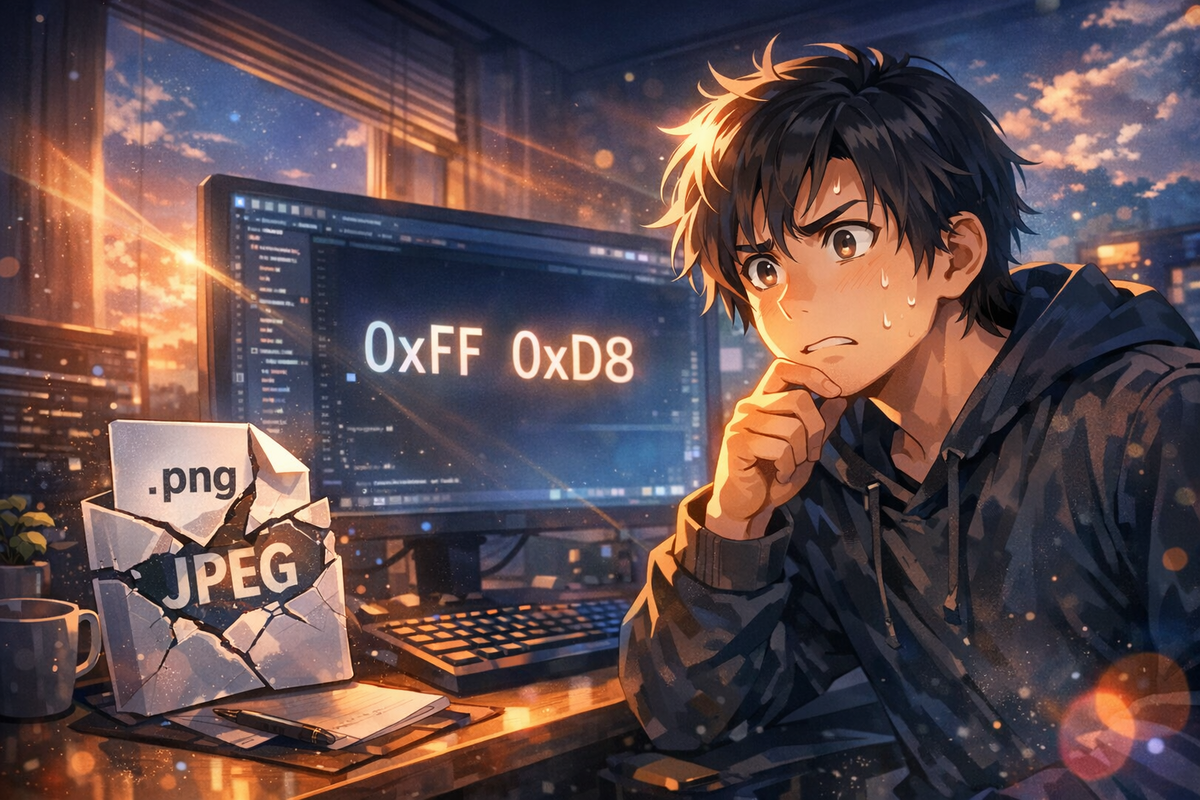
0xFF 0xD8。這兩個 byte 出現在檔案開頭時,代表你手上拿的是 JPEG。不是 PNG,不管它的副檔名寫什麼。
就像收到一個貼了「牛奶」標籤的罐子,倒進咖啡之後才發現裡面裝的是豆漿——標籤是假的,成分才是真的。副檔名就是那個標籤。
錯誤訊息不會說謊
某個 AI 影像 API 接受 PNG 格式的輸出請求。你在參數裡寫 format: 'png',API 乖乖回傳一個檔案,你用 .png 副檔名存下來。一切看起來很合理。
問題在後續的 PDF 組裝步驟才爆發。程式根據副檔名判斷格式,呼叫 PNG 嵌入函式,結果直接報錯:The input is not a PNG file!
這時候你有兩個選擇:懷疑自己的程式邏輯,或者懷疑那個檔案。正確答案是後者。
Magic Bytes 不會演戲
直接看 buffer 開頭幾個 byte:0xFF 0xD8。這是 JPEG 的 magic bytes。PNG 的開頭是 0x89 0x50 0x4E 0x47,完全不同。
所以真相是:API 接受了你的 PNG 請求,但實際回傳的是 JPEG 格式的二進位資料。它只是順手給了你一個 .png 副檔名,彷彿這樣就能改變事實。
副檔名只是一串字元,任何人都可以隨便寫。但 magic bytes 是寫在檔案結構裡的身分證,改不了假。JPEG 的前兩個 byte 永遠是 0xFF 0xD8,PNG 的前四個 byte 永遠是 0x89 0x50 0x4E 0x47。這是規格,不是建議。
修復很直接
拋棄副檔名這個謊言。改用 magic bytes 偵測真實格式,再呼叫對應的嵌入函式。程式碼大概長這樣:
讀取檔案前幾個 byte,判斷是 JPEG 還是 PNG,然後分流處理。不要相信使用者給的副檔名,不要相信 API 文件裡寫的格式保證,只相信二進位資料本身。
這不是 defensive programming,這是 realistic programming。AI API 的輸出格式不保證和你儲存的副檔名一致。你可以在 issue tracker 裡抱怨 API 供應商不守承諾,但在那之前,你的程式要能處理這種情況。
信任的最小單位
副檔名是給人類看的提示,不是給程式看的規格。作業系統用它來決定要用哪個程式開啟檔案,但這只是慣例,不是強制。你可以把 .exe 改成 .txt,它還是可執行檔。
Magic bytes 才是檔案格式的真正定義。JPEG 規格文件的第一頁就寫了:0xFF 0xD8 開頭,0xFF 0xD9 結尾。PNG 規格文件的第一章就定義了那八個 byte 的 signature。這些數字寫進 RFC 文件,寫進 ISO 標準,改不了。
所以下次遇到格式問題,先看 magic bytes。不要猜,不要假設,直接讀前幾個 byte。這是最便宜的 debug 方法。
— 邱柏宇
延伸閱讀
The Extension That Lied
0xFF 0xD8. When these two bytes appear at the start of a file, you’re holding a JPEG. Not a PNG, no matter what the extension says.
Like receiving a can labeled “milk” and pouring it into your coffee, only to discover it’s soy milk—the label lies, but the content doesn’t. File extensions are just labels.
Error Messages Don’t Lie
An AI image API accepts PNG format output requests. You write format: 'png' in the parameters, the API returns a file, and you save it with a .png extension. Everything seems fine.
The problem explodes in the PDF assembly step. The program judges format by extension, calls the PNG embedding function, and crashes immediately: The input is not a PNG file!
You have two choices: doubt your program logic, or doubt that file. The correct answer is the latter.
Magic Bytes Don’t Act
Check the first few bytes of the buffer: 0xFF 0xD8. These are JPEG’s magic bytes. PNG starts with 0x89 0x50 0x4E 0x47—completely different.
The truth: the API accepted your PNG request but actually returned JPEG binary data. It just casually gave you a .png extension, as if that could change reality.
Extensions are just strings anyone can write arbitrarily. But magic bytes are the ID card written into file structure—impossible to fake. JPEG’s first two bytes are always 0xFF 0xD8, PNG’s first four bytes are always 0x89 0x50 0x4E 0x47. This is specification, not suggestion.
The Fix Is Straightforward
Abandon the extension’s lie. Use magic bytes to detect true format, then call the corresponding embedding function.
Read the file’s first few bytes, determine JPEG or PNG, then route accordingly. Don’t trust user-provided extensions, don’t trust API documentation’s format guarantees—only trust the binary data itself.
This isn’t defensive programming; it’s realistic programming. AI API output formats don’t guarantee consistency with your saved extensions. You can complain in the issue tracker about API providers breaking promises, but before that, your program needs to handle this situation.
The Minimum Unit of Trust
Extensions are hints for humans, not specifications for programs. Operating systems use them to decide which program opens a file, but that’s convention, not enforcement. You can rename .exe to .txt—it’s still an executable.
Magic bytes are the true definition of file format. The first page of the JPEG specification states: start with 0xFF 0xD8, end with 0xFF 0xD9. The first chapter of the PNG specification defines those eight signature bytes. These numbers are written into RFC documents, ISO standards—unchangeable.
Next time you encounter format issues, check magic bytes first. Don’t guess, don’t assume—directly read the first few bytes. It’s the cheapest debugging method.
— 邱柏宇